Faster, and more flexible migrations (and related changes & deprecations) - Jan 2026
Last updated: January 10, 2026
We’re rolling out two major improvements to migrations, along with a small set of deprecations and behavior changes to enable them. Changes will take effect on March 13, 2026 (60 days from Jan 12th) and you can opt-in early to take advantage of the improvements.
What’s improving
Faster migration performance
Migrations will complete faster, reducing wait times when rolling out pricing changes. We're continuously working to improve migration speed, and this rollout includes some of these improvements. You can opt in now to get the benefits early, or they'll apply automatically on March 13, 2026.
More flexible pricing changes
Currently making an immediate pricing change could conflict with scheduled migrations. With our improvements, immediate and scheduled changes work independently, you can do both without one affecting the other. This enables you to:
1) Respond immediately without disrupting planned scheduled migrations: React quickly to market changes, competitive pressure, or customer requests by adding a new SKU or adjusting pricing immediately, without canceling, or pulling forward planned future-dated migrations. Urgent changes take effect right away, while scheduled pricing transitions continue as scheduled.
2) Reduce coordination across teams: Operate independently across teams by scheduling future-dated migrations (for renewals or end-of-term changes) while applying immediate pricing updates, without coordinating timing or worrying about conflicts.
What’s changing to enable these improvements
To allow these improvements, we’re making changes to Webhooks, Subscription Version (UI implications shown below), and an API endpoint, all detailed below.
Webhook Deprecations
We will stop sending the following webhooks:
Subscription Version changes
Today: The subscription version matches the plan version you're currently being billed on. If your subscription shows Version 1, that means Version 1's prices are active.
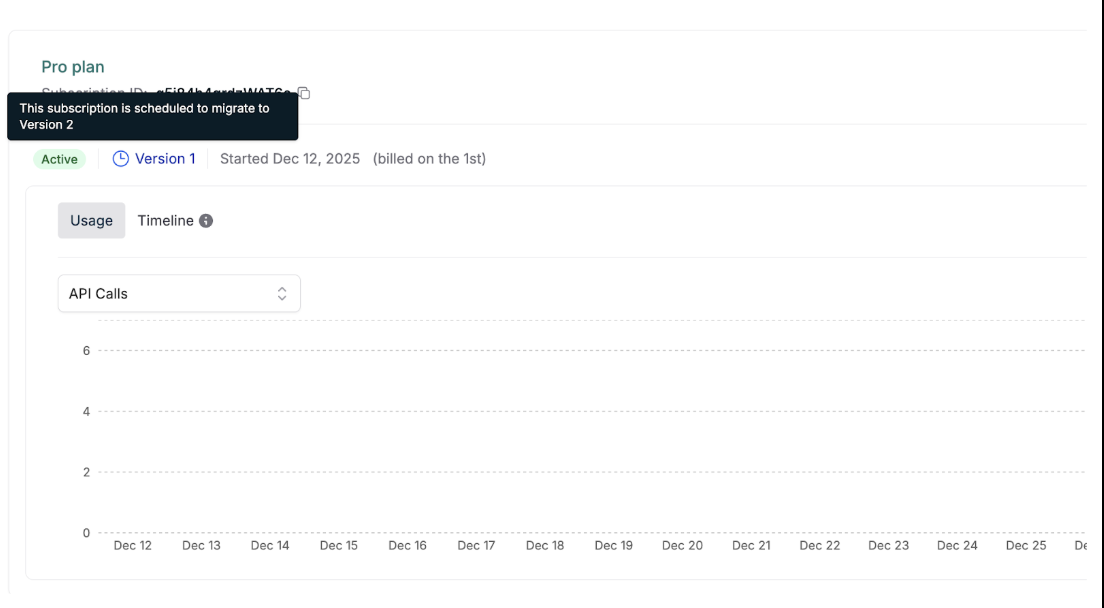
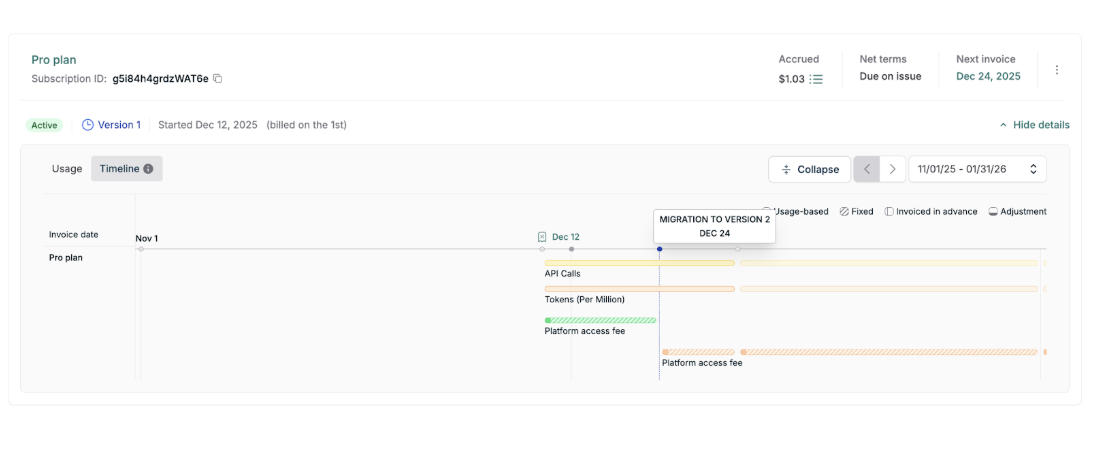
When you schedule a migration with a future effective date, Orb sets up the new pricing immediately, but keeps your subscription on its current version until billing switches over.
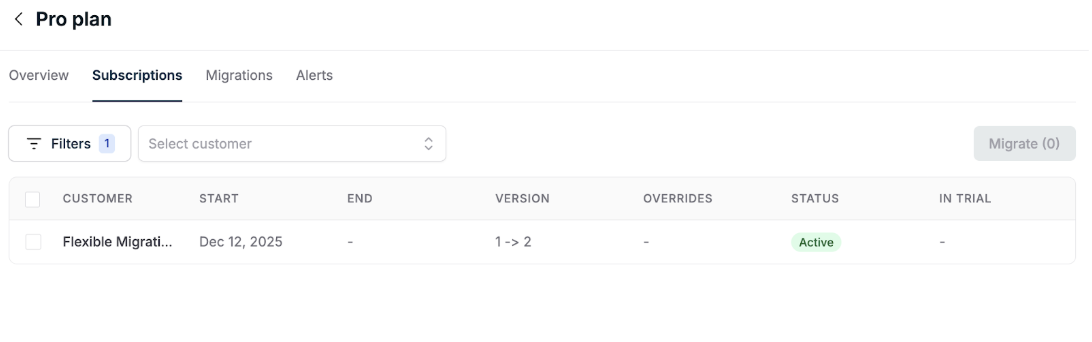
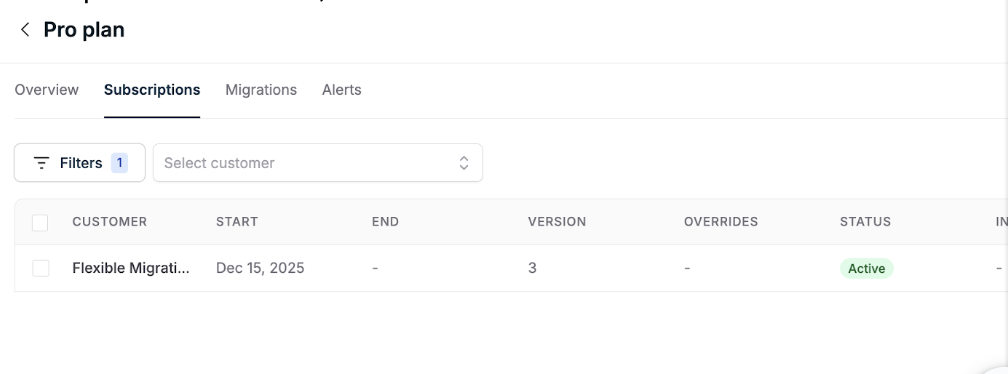
With this change: The subscription version will reflect what's been configured, not what's currently billing. So your subscription might show Version 2 while you're still being billed on Version 1's prices. The version shows what's configured; the effective date controls when billing starts.
The underlying billing logic, price interval calculations, effective dates, and invoice generation remain the same. Changes only affect how version information is displayed and represented in the API and UI.
In short:
Subscription version used to answer: "What am I being charged for right now?"
Now it answers: "What is my subscription's pricing configuration, including what's scheduled?"
Example
Scenario: You have a customer on Plan A, Version 1. On December 12 you schedule a migration to Plan Version 2 of Plan A, with an effective date of January 1.
API change
The endpoint (GET /v1/subscriptions/<subscription_id>/schedule, docs) will only return plan changes and will not include plan version migrations.
Example: For a subscription that has a plan change from A → B, then plan‑version change from Bv1 → Bv2 → Bv3 a sample response would be:
Current response:
{

  "data": [

    {

      "start_date": T0,

      "end_date": T1,

      "created_at": T0,

      "plan": {

        "id": "A",

        "external_plan_id": "abc123",

        "name": "Plan A"

      }

    },

    {

      "start_date": T1,

      "end_date": T2,

      "created_at": T1,

      "plan": {

        "id": "B",

        "external_plan_id": "def456",

        "name": "Plan B"

      }

    },

    {

      "start_date": T2,

      "end_date": T3,

      "created_at": T2,

      "plan": {

        "id": "B",

        "external_plan_id": "def456",

        "name": "Plan B"

      }

    },

    {

      "start_date": T4,

      "end_date": null,

      "created_at": T4,

      "plan": {

        "id": "B",

        "external_plan_id": "def456",

        "name": "Plan B"

      }

    },

  ]

}
New response after changes: we will continue to return plan changes but not plan version migrations.
{

  "data": [

    {

      "start_date": T0,

      "end_date": T1,

      "created_at": T0,

      "plan": {

        "id": "A",

        "external_plan_id": "abc123",

        "name": "Plan A"

      }

    },

    {

      "start_date": T1,

      "end_date": null,

      "created_at": T1,

      "plan": {

        "id": "B",

        "external_plan_id": "def456",

        "name": "Plan B"

      }

    }

  ]

}
Impact and recommended actions:
If you rely on the
subscription.plan_version_scheduledorsubscription.plan_version_changedwebhooks for downstream processing, please plan to remove those dependencies.
If you infer plan version migrations from multiple adjacent entries of the same plan in the subscription schedule (via the
GET /v1/subscriptions/<subscription_id>/schedule), be aware those entries will not be returned anymore.
No changes are required if you only consume plan‑level changes or use the schedule for display without interpreting version transitions.
UI changes
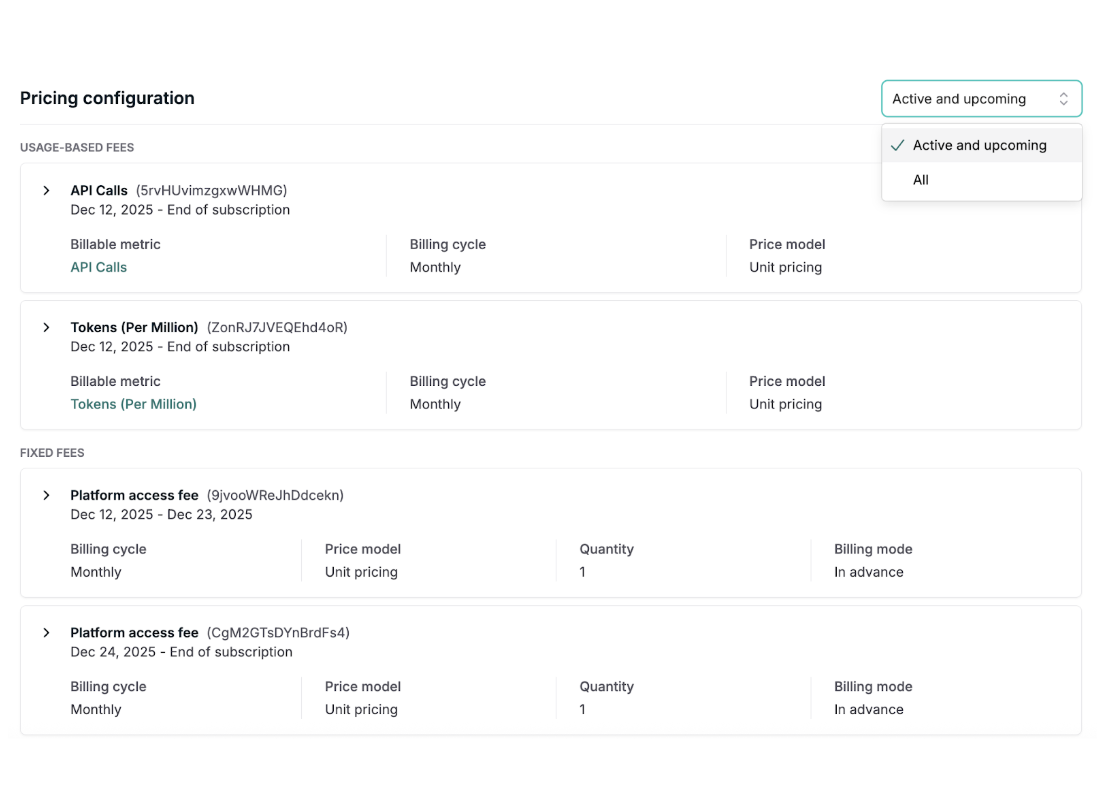
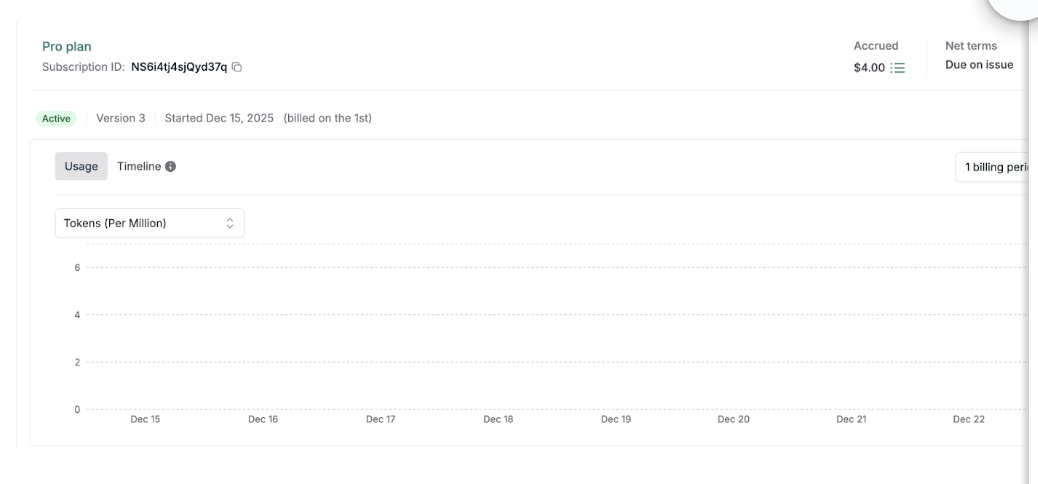
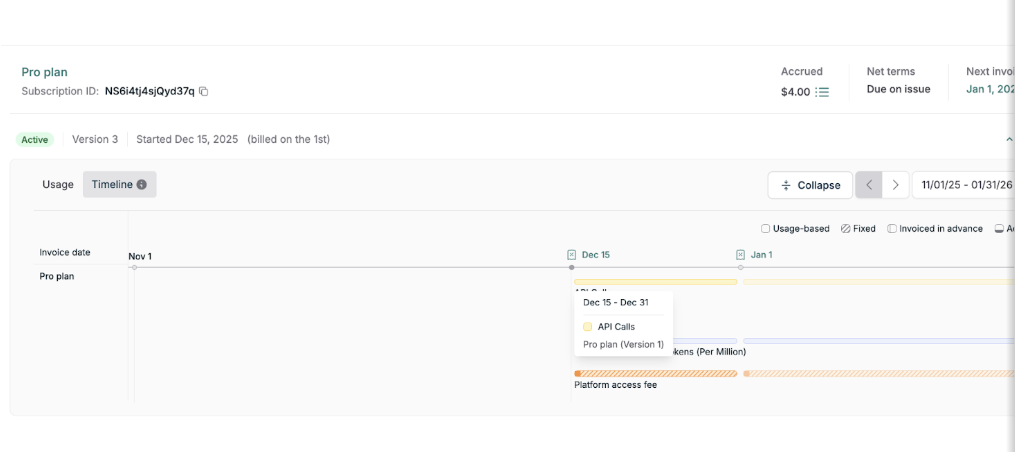
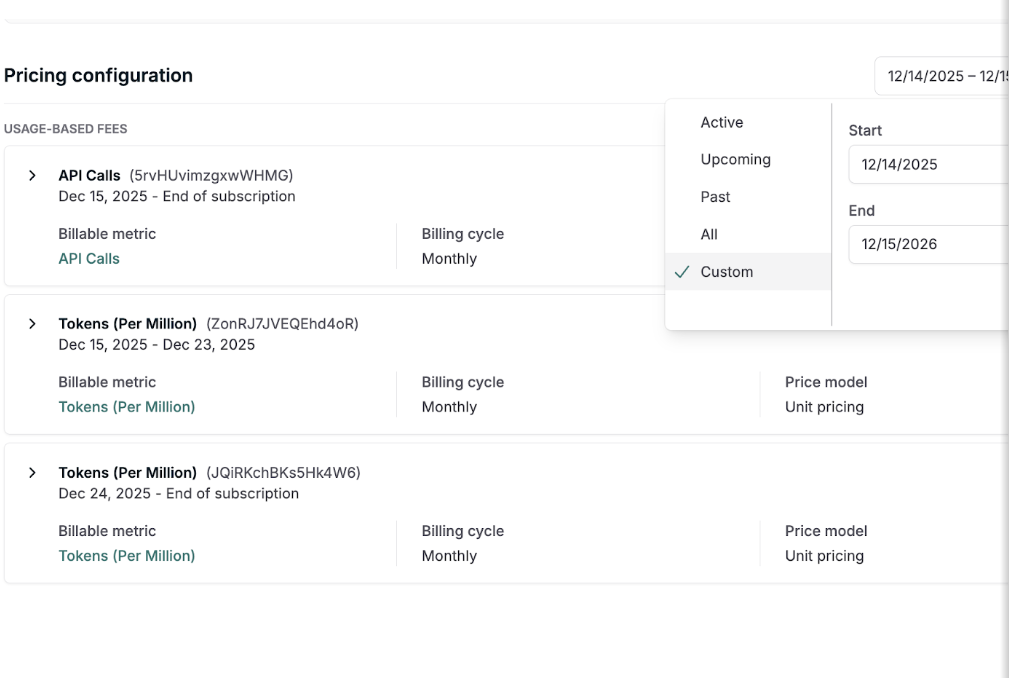
Subscriptions show a single current version with scheduled indicators removed. Pricing history remains fully visible with added ability to see which plan version introduced each price and custom search to see which prices were active during a certain time period (see below for detail of UI changes).
Timeline and Roll out plan
Opt‑in availability: Effective immediately. We can enable these changes on your account ahead of the global rollout.
Standard rollout: March 13 (60 days from now). If you do not opt in early, we will apply these changes to your account on or after this date.